★ 1.5k
July 2026
Not stated
AI agents
What we checked ourselves
Not copied from the project's own blurb. These are things we opened and verified, with the date.
- 8 Sept 2026We checked that the link to the project still resolves.
- 13 Sept 2026We read the licence text itself (LICENSE) and found conditions attached to how it may be used.
- 1 Sept 2026We read the project's own documentation and found no sign that development has stopped.
Where this sits among the 114 tools we list in AI agents
- Requires terminal commands21 that do not →
- Requires an API key29 that do not →
- Sends your input to the provider11 that do not →
Counted from our own checks: every tool we list is examined against the same criteria.
What it does
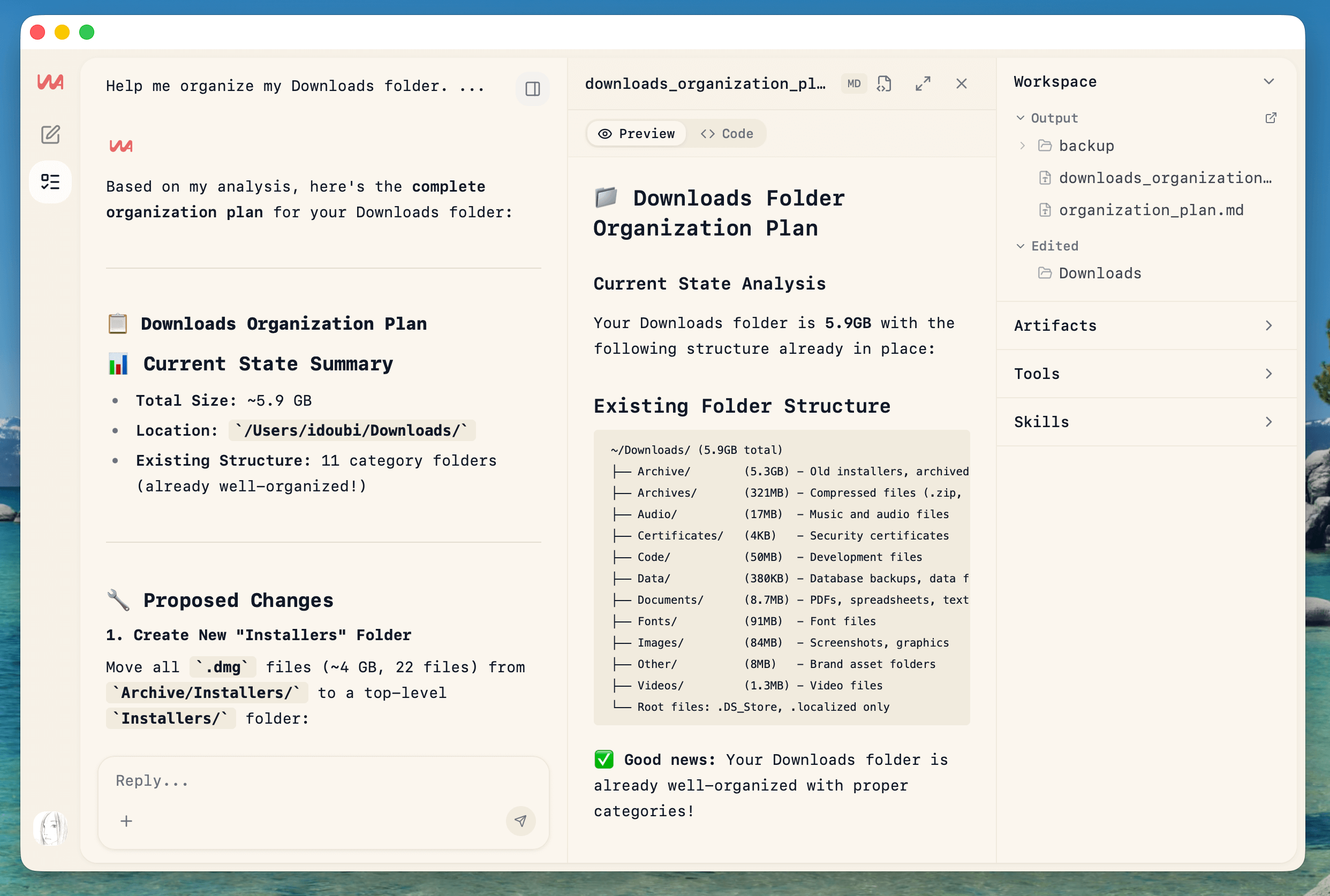
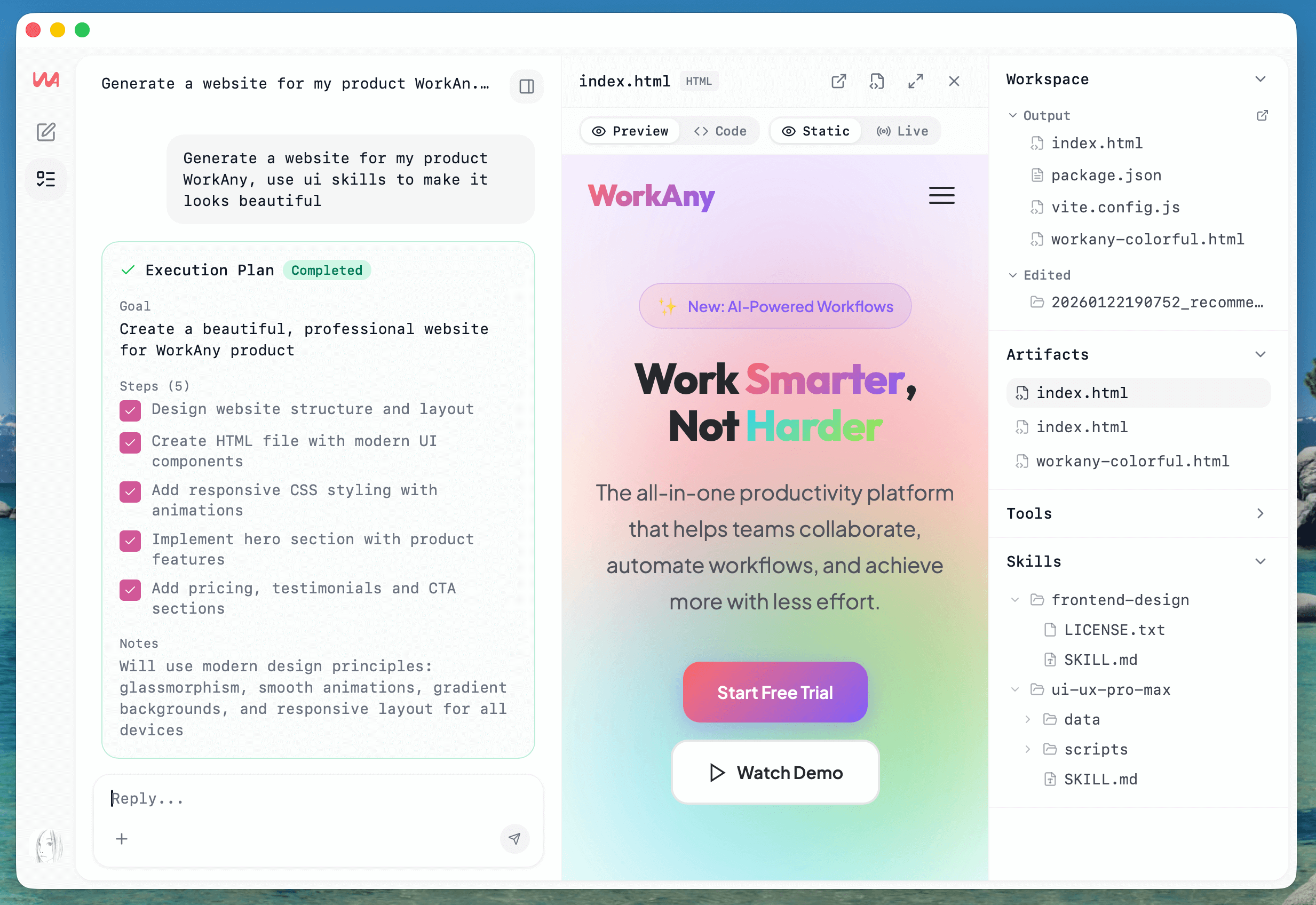
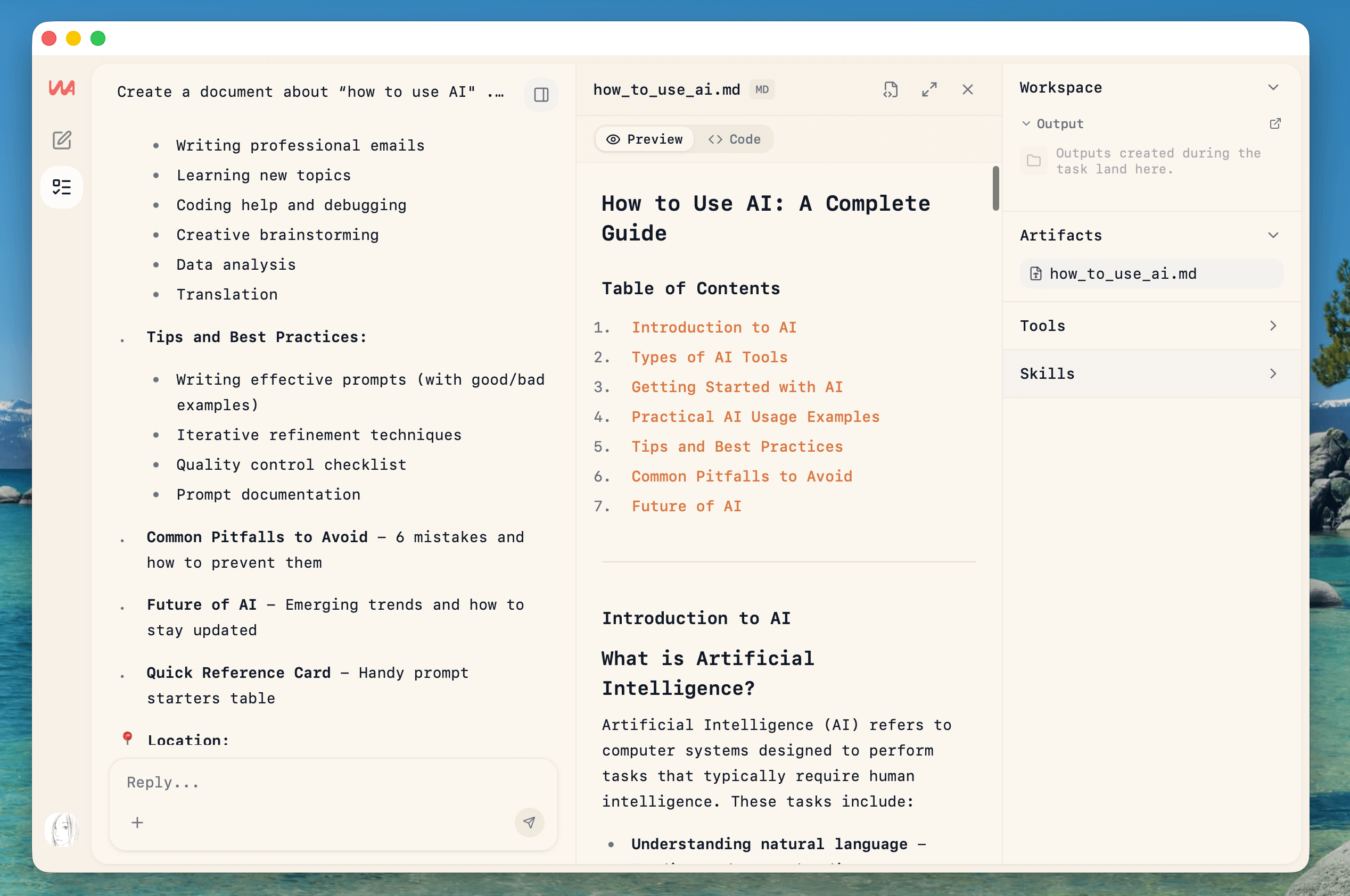
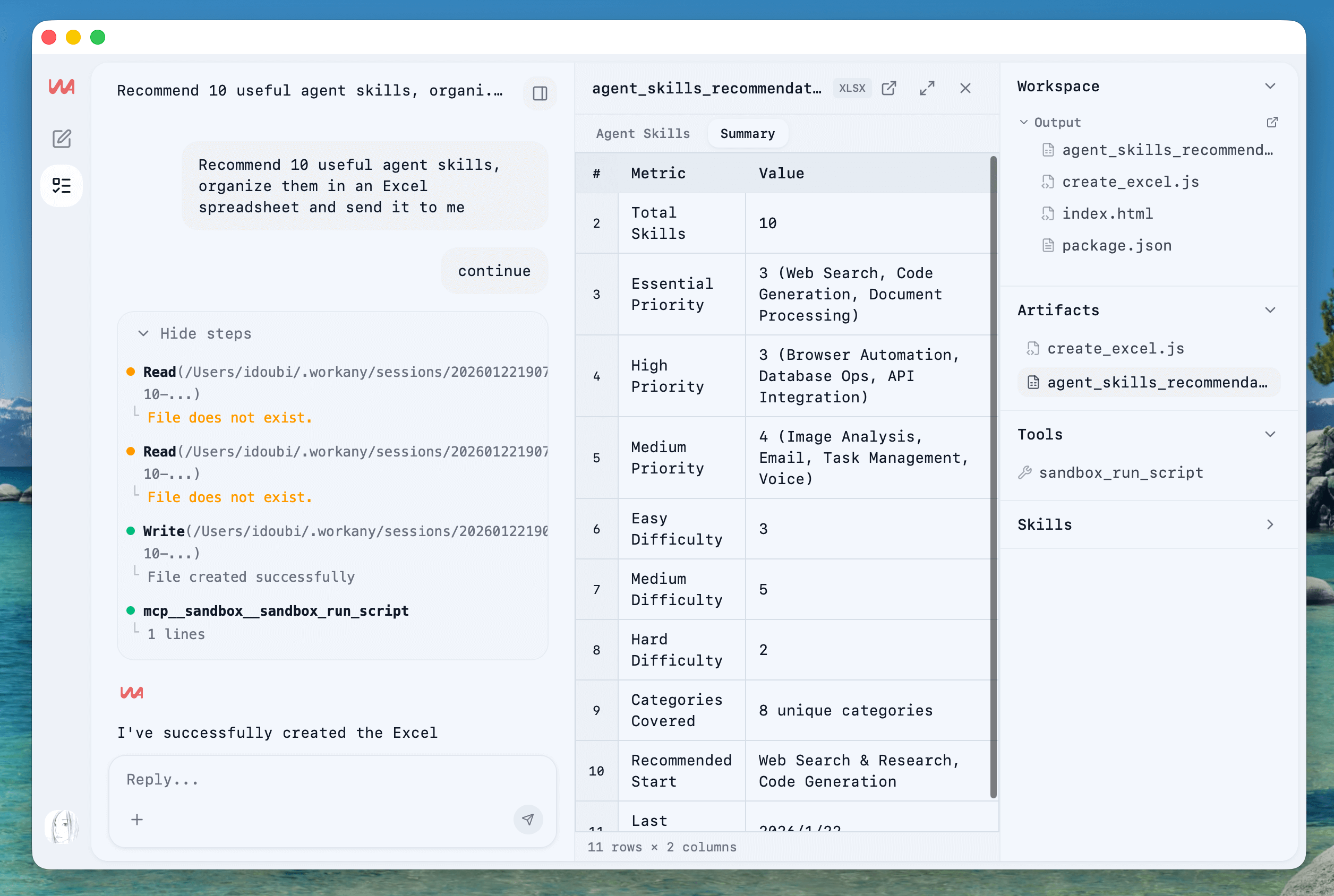
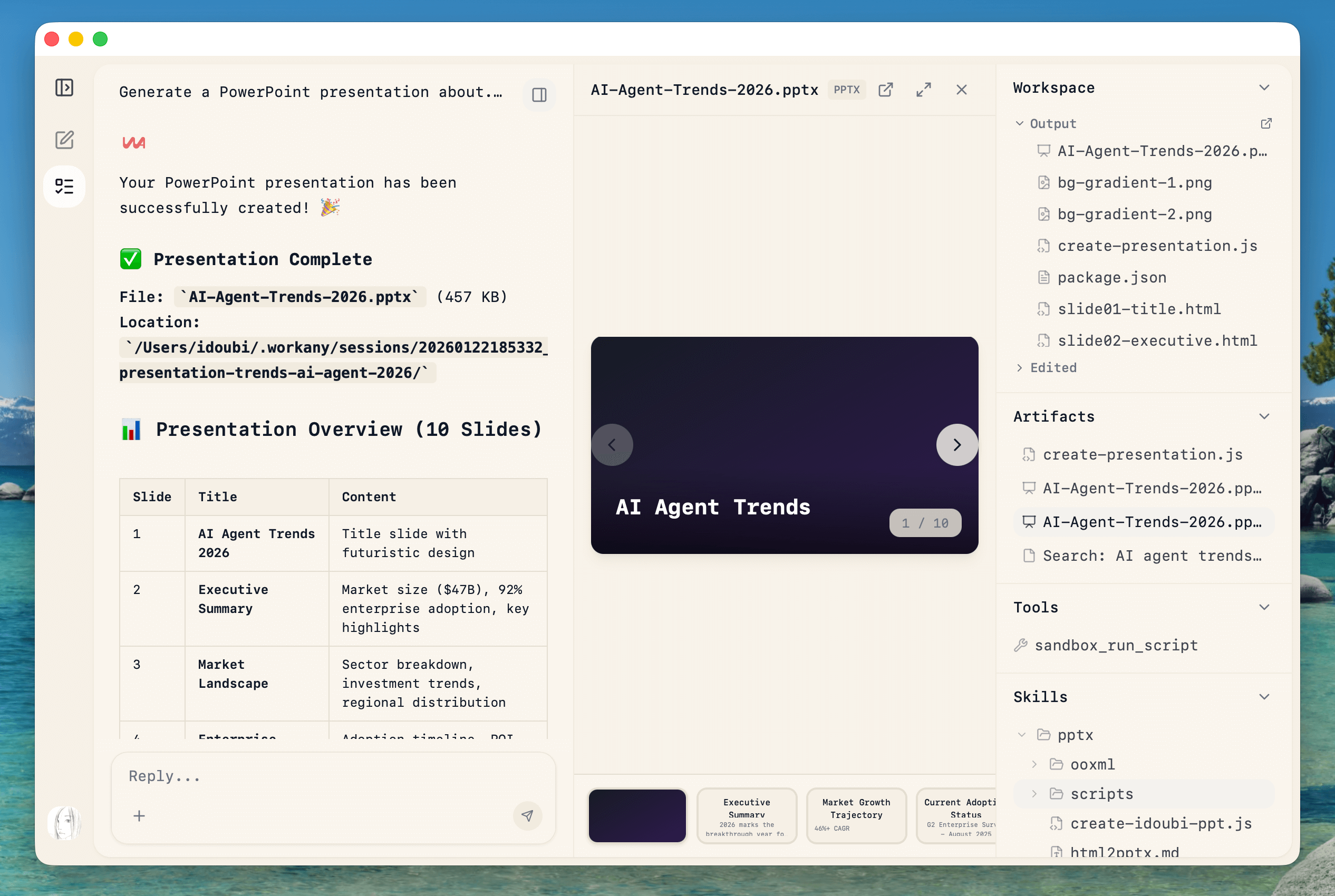
A desktop agent that takes natural-language requests and carries them out on your machine — organising files, producing documents, slides, data tables or a small website — with your choice of model provider behind it. File-manipulation rights are the thing to test carefully: point it at a folder you can afford to lose before pointing it at anything else. The licence text describes a dual arrangement where commercial use is paid.
Summary based on the project's own description. The Japanese page has a fuller beginner guide: setup difficulty, what to prepare, and a step-by-step start.
Screenshots & visuals
Before you start
- Setup difficultySome setup needed
- Command lineRequired
- API keyRequired
- Sends data onlineYes
Judged automatically from the project's own metadata. Always confirm on the official page.
workany FAQ
- Is workany free?
- workany itself is free, but it needs an API key for an external AI service. That service charges separately, though some have a free tier.
- Do I need to install anything or write code to use workany?
- It needs the command line. If you are not comfortable typing commands, expect to get stuck during setup.
- Does workany work on a phone?
- No. It needs a computer.
- Can I use workany commercially?
- Only under conditions. The page shows 記載なし, but the actual terms — the AI model this page runs, or the provider's own terms — attach restrictions. Check the provider's terms before using it at work.
How it compares
The conditions that decide whether you can actually use it, side by side.
| Tool | Command line | API key | Sends data out | Phone | Commercial use |
|---|---|---|---|---|---|
| workany (this page) | Required | Required | Yes | No | With conditions |
| rowboat | Not needed | Required | Yes | No | Yes |
| pluely | Not needed | Required | Yes | No | Yes |
| skales | Not needed | Required | Yes | No | With conditions |
"Sends data out" means your input is uploaded to someone's server. Pick "No" when the material cannot leave your organisation.